A year ago, most teams used AI like a smarter search engine. You opened a chat window, pasted a task, generated a response, copied it into another tool, and moved on with your day. It was useful, sometimes even impressive, but it still depended entirely on humans to connect everything together. People still had to search through Slack conversations, organize project updates, forward information between departments, summarize meetings, update CRMs, write follow-ups, and constantly switch between tabs. That’s the part many companies underestimated.
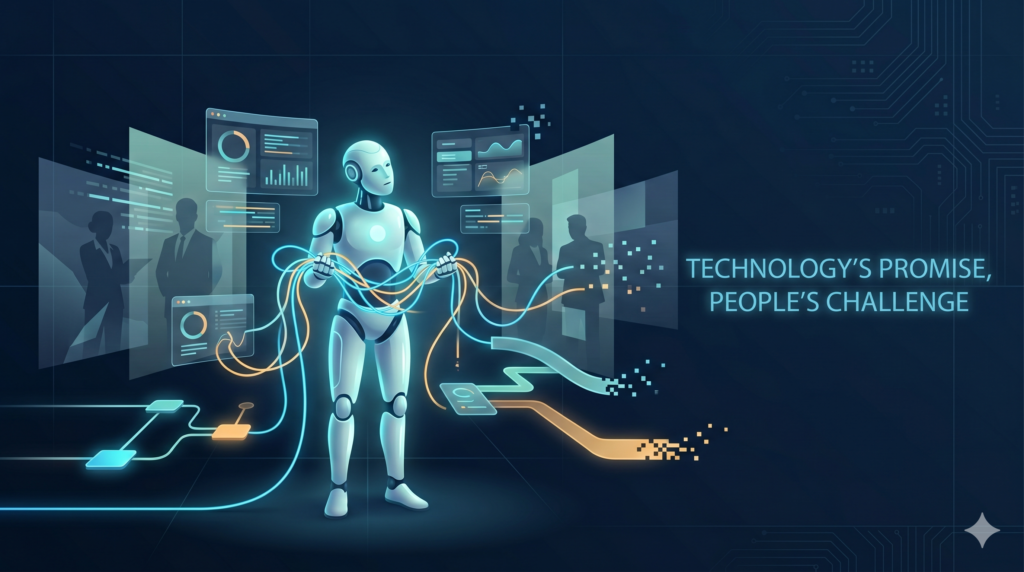
The real problem inside modern organizations was never just content generation. The real problem was operational friction. Too many tools, too much context switching, too much information moving manually between systems. This is exactly why OpenAI workspace agents are becoming such an important shift, because they can actually participate in workflows.
After spending months testing different AI workflows across content operations, internal communication systems, research tasks, and support processes, one thing became clear very quickly. Most businesses still dramatically underestimate what AI agents can already do today.
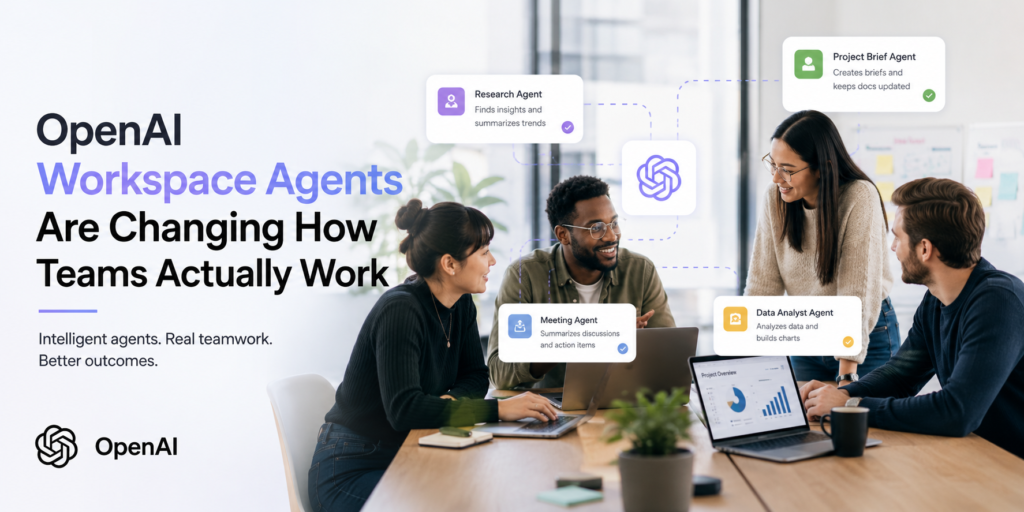
The difference between a regular chatbot and a workspace agent is massive. A chatbot waits for instructions. A workspace agent continuously operates inside connected systems. It can monitor Slack channels, analyze incoming emails, summarize meetings, retrieve documents, update project management tools, prioritize tasks, and coordinate information between applications.
Instead of simply generating text, the system starts behaving more like an operational layer running quietly in the background. That changes the entire experience of work.
The First Real Change: Less Operational Noise
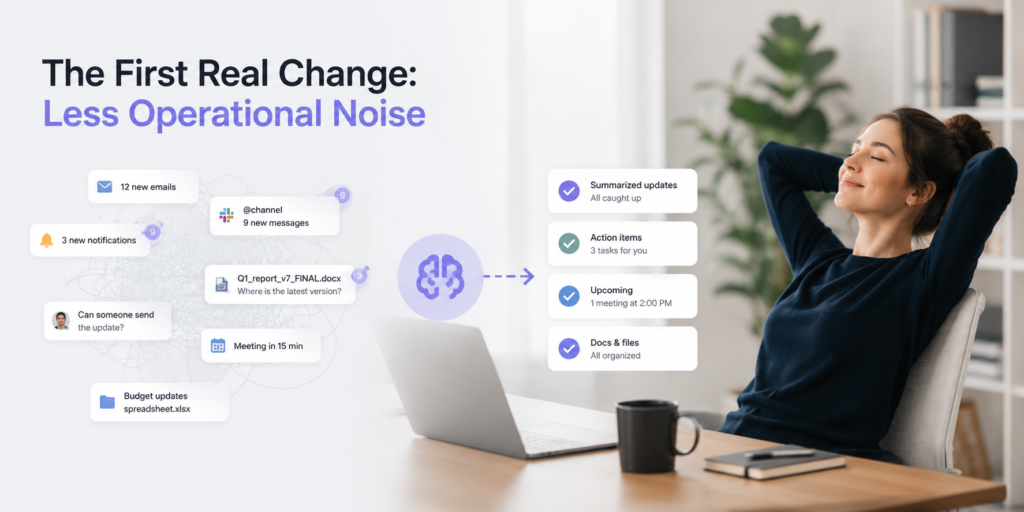
One of the first things we noticed when experimenting with workspace agents internally was how much mental noise disappeared.
Managers no longer had to spend an hour catching up on hundreds of unread Slack messages after meetings. Instead, the system generated concise summaries with the actual important information: unresolved blockers, decisions that had been made, deadlines that were mentioned, and tasks requiring attention. That sounds small on paper. In reality, it changes how teams function.
Modern companies are overloaded with information. Employees constantly jump between Slack, email, Notion, Jira, CRMs, dashboards, meeting recordings, and internal documents. The actual work often takes less time than managing the flow of information around that work. This creates what many teams quietly experience every day: operational fatigue. Not because people are lazy. Because their brains are constantly context-switching.
A developer checks Slack while reviewing tickets. A manager leaves a meeting and immediately searches through email threads trying to understand what was missed. A marketer opens five tabs just to prepare a simple campaign update. Over time, this fragmentation slows everything down.
Workspace agents reduce a surprising amount of this invisible friction.
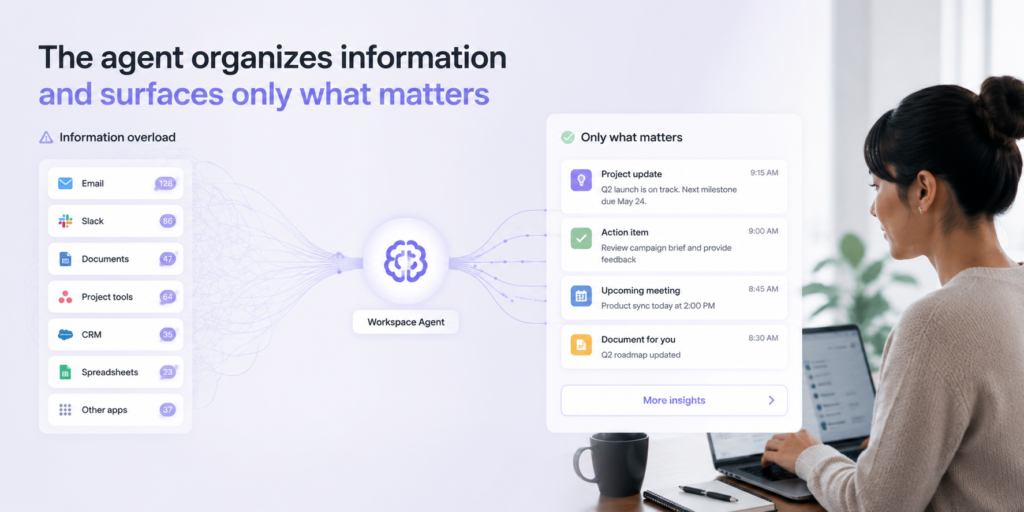
Instead of employees manually collecting updates from multiple systems, the agent can organize information automatically and surface only what matters. One workflow we tested internally created daily summaries for leadership that combined updates from Slack conversations, Jira tickets, project documentation, and meeting notes into one concise operational overview.
People made decisions faster because they finally had cleaner context.
Some of the most useful operational improvements we’ve seen from workspace agents so far include:
- automatically summarizing long Slack discussions into key decisions and action items
- identifying blockers before they become major project delays
- grouping repetitive questions employees keep asking internally
- creating task updates without managers manually rewriting status reports
- prioritizing urgent requests hidden inside noisy communication channels
- reducing the number of unnecessary meetings caused by missing information
Agents reduce that operational chaos surprisingly well.
Where Most Companies Still Get AI Agents Wrong
But despite all the excitement, this is also the stage where many companies fail. Usually not because the technology is weak, but because implementation is messy.
One of the biggest mistakes companies make is trying to automate everything immediately. The most successful AI deployments we’ve seen usually begin with one very specific operational bottleneck. Maybe meeting summaries. Maybe Slack prioritization. Maybe onboarding assistance. Maybe CRM updates.
The companies rushing to replace entire workflows overnight usually create confusion instead of efficiency. Another major issue is context quality.
Agents depend heavily on connected systems. If documentation is outdated, permissions are inconsistent, or workflows are chaotic, the results become unreliable very quickly. Ironically, many AI projects quietly become data organization projects first.
And honestly, this part rarely appears in LinkedIn posts because it’s not exciting. But it’s real.
The companies getting actual value from AI agents are usually the ones improving operational structure alongside AI adoption.
AI Agents Still Need Human Oversight
There’s also an important misconception around autonomy.
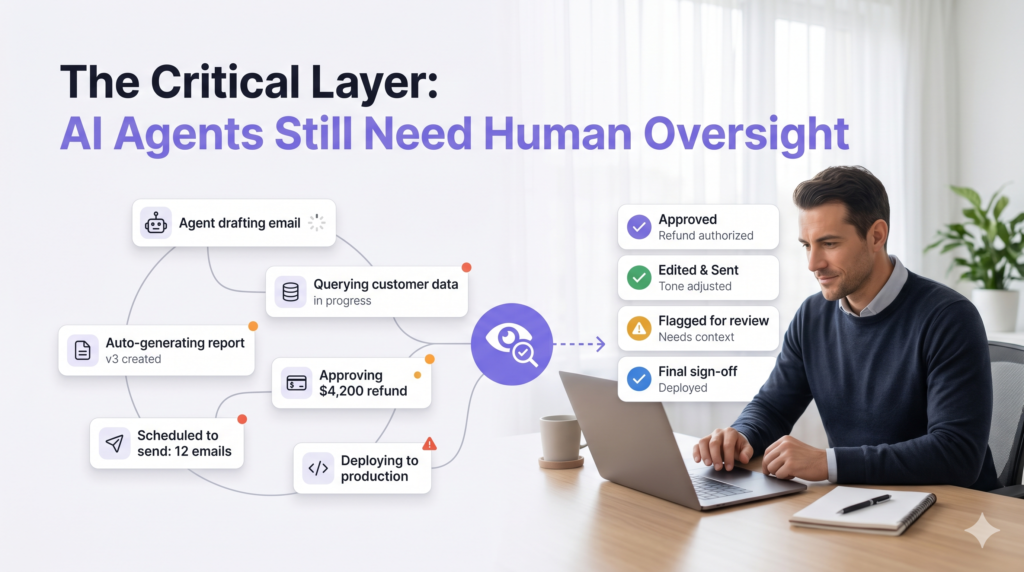
The smartest companies are not removing humans entirely from workflows. They’re removing low-value coordination work.
The best systems still include human oversight for sensitive decisions, financial approvals, customer escalations, legal communication, or strategic direction. The goal is reducing repetitive operational load so humans can focus on higher-level thinking.
The Biggest Benefit Isn’t Speed
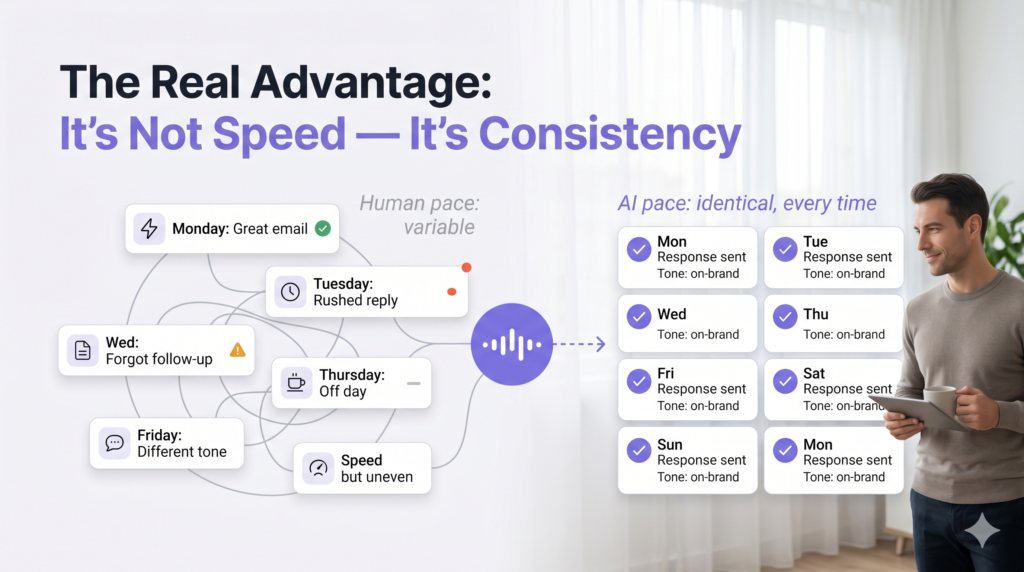
And after working with these systems for a while, one unexpected realization becomes obvious. The biggest advantage often isn’t speed. It’s consistency.
Humans forget things. We skip documentation, miss updates, delay follow-ups, lose context, and overlook details when overloaded.
Agents don’t experience operational fatigue.
In growing organizations, that consistency becomes extremely valuable.
Especially once teams scale beyond the point where informal communication still works naturally.
That’s why workspace agents are becoming increasingly important across operations, customer success, project coordination, internal support, and enterprise workflows. Not because they magically replace expertise, but because they reduce operational entropy.
Practical Advice For Companies Starting Today
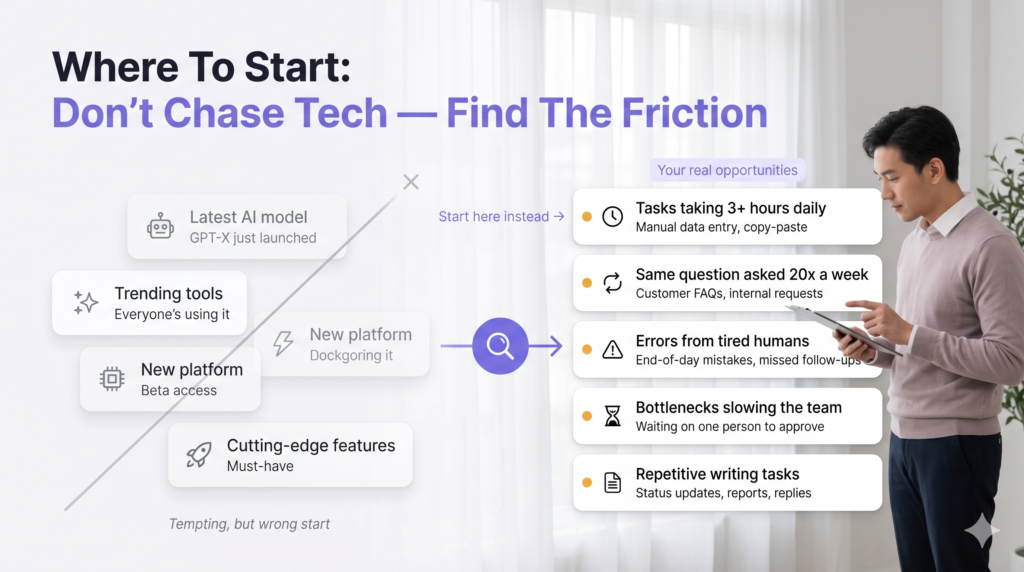
For companies considering AI agents today, the most practical approach is surprisingly simple. Don’t begin with the technology itself. Begin with friction. Look for the repetitive coordination tasks employees quietly hate doing every day. Look for areas where information gets lost, where people constantly switch between tools, where delays repeatedly appear, or where updates rely too heavily on manual effort. And honestly, one of the clearest patterns we’ve seen is that companies often choose the wrong starting point. They begin with flashy automation ideas instead of operational pain points. The best implementations are usually boring at first.- A support team reducing ticket triage time.
- A sales team eliminating manual CRM updates.
- An operations manager automating status reporting.
These smaller workflow improvements create measurable value surprisingly quickly.
One practical recommendation we now give almost every company is to map where employees repeatedly copy information from one system into another.
That’s usually a strong signal that an agent can help.
For example, if employees constantly summarize Slack discussions into Jira, rewrite meeting notes into CRM updates, manually forward customer feedback to product teams, search for the same documentation repeatedly, or create weekly reports using information from multiple dashboards, there’s probably an automation opportunity already hiding there.
Another important lesson involves permissions and security.
A lot of companies underestimate how sensitive connected systems become once agents gain cross-platform access. Before deploying large-scale workflows, businesses should think carefully about what information the agent can access, which actions require human approval, where audit logs are stored, and how sensitive customer data is protected.
One final piece of advice from experience – avoid forcing employees to completely change how they work overnight.
The best AI systems usually integrate quietly into existing workflows instead of demanding entirely new habits. When agents reduce friction naturally, adoption happens much faster because employees immediately feel the operational benefit themselves.
For companies considering AI agents today, the most practical approach is surprisingly simple.
Don’t begin with the technology itself. Begin with friction.
Look for the repetitive coordination tasks employees quietly hate doing every day. Look for areas where information gets lost, where people constantly switch between tools, where delays repeatedly appear, or where updates depend too heavily on manual effort.
Those are usually the best opportunities for agents.